.jpg?w=1200&h=1262)
.jpg?w=1200&h=1264)
.jpg?w=1200&h=1247)
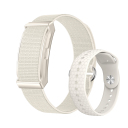
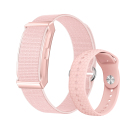
-
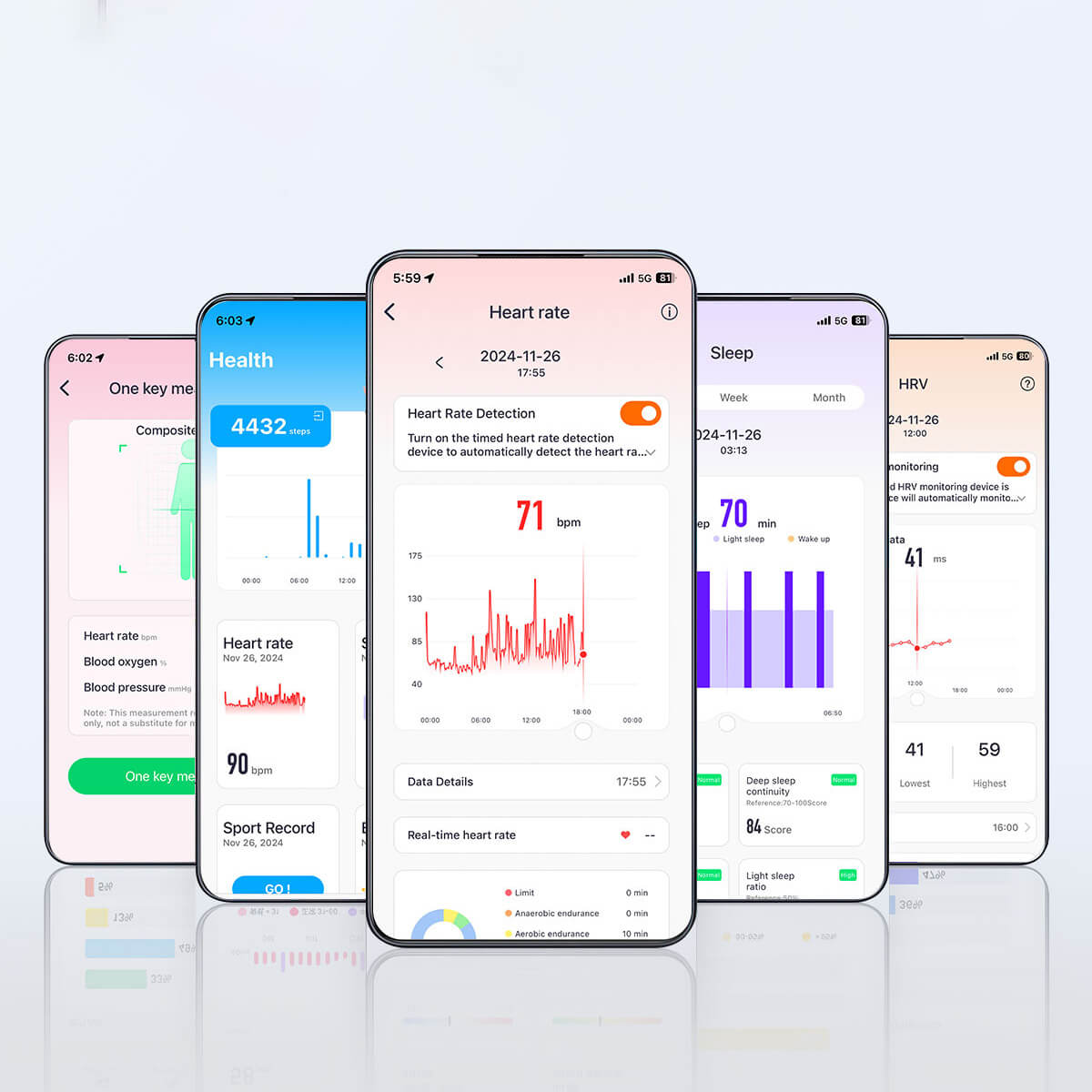
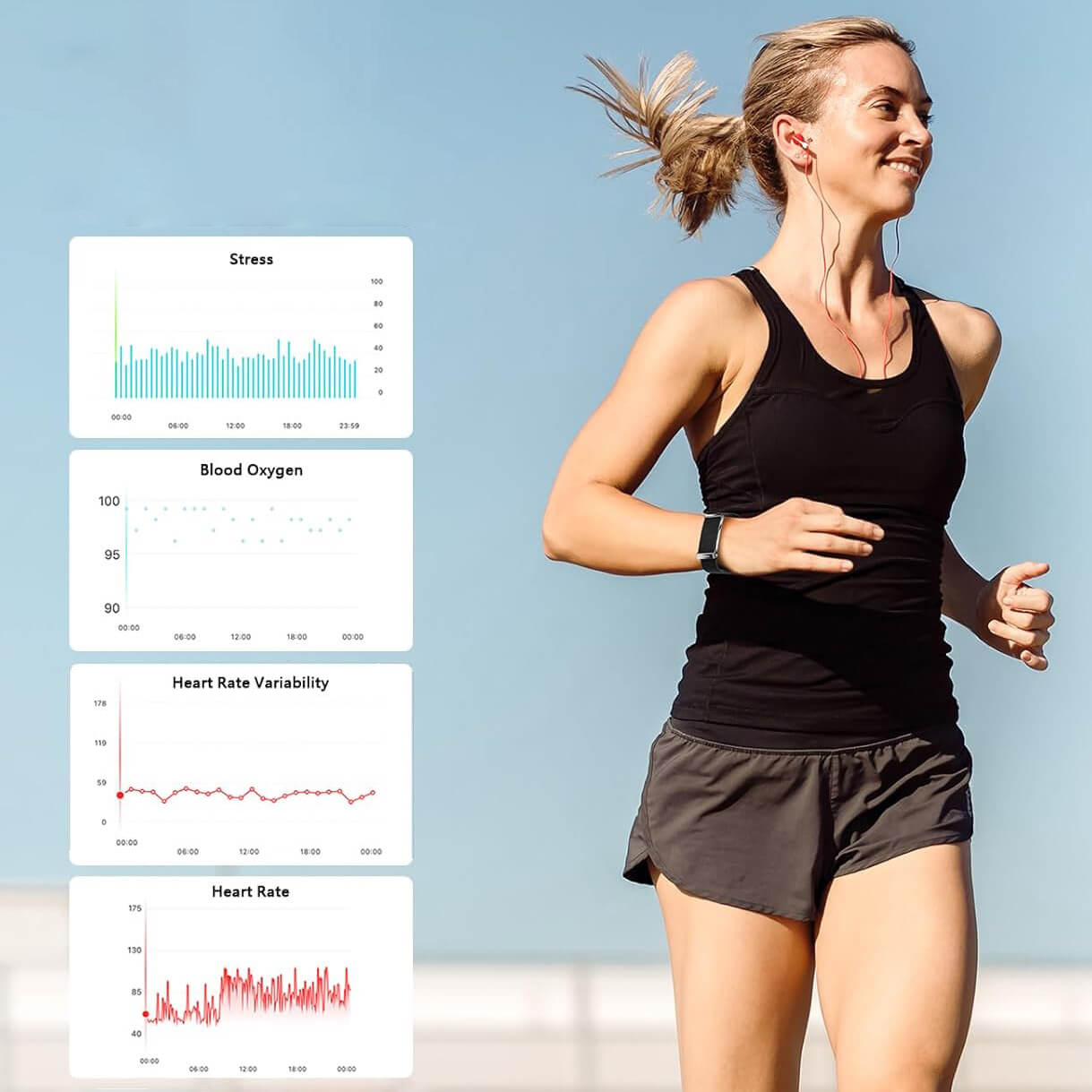
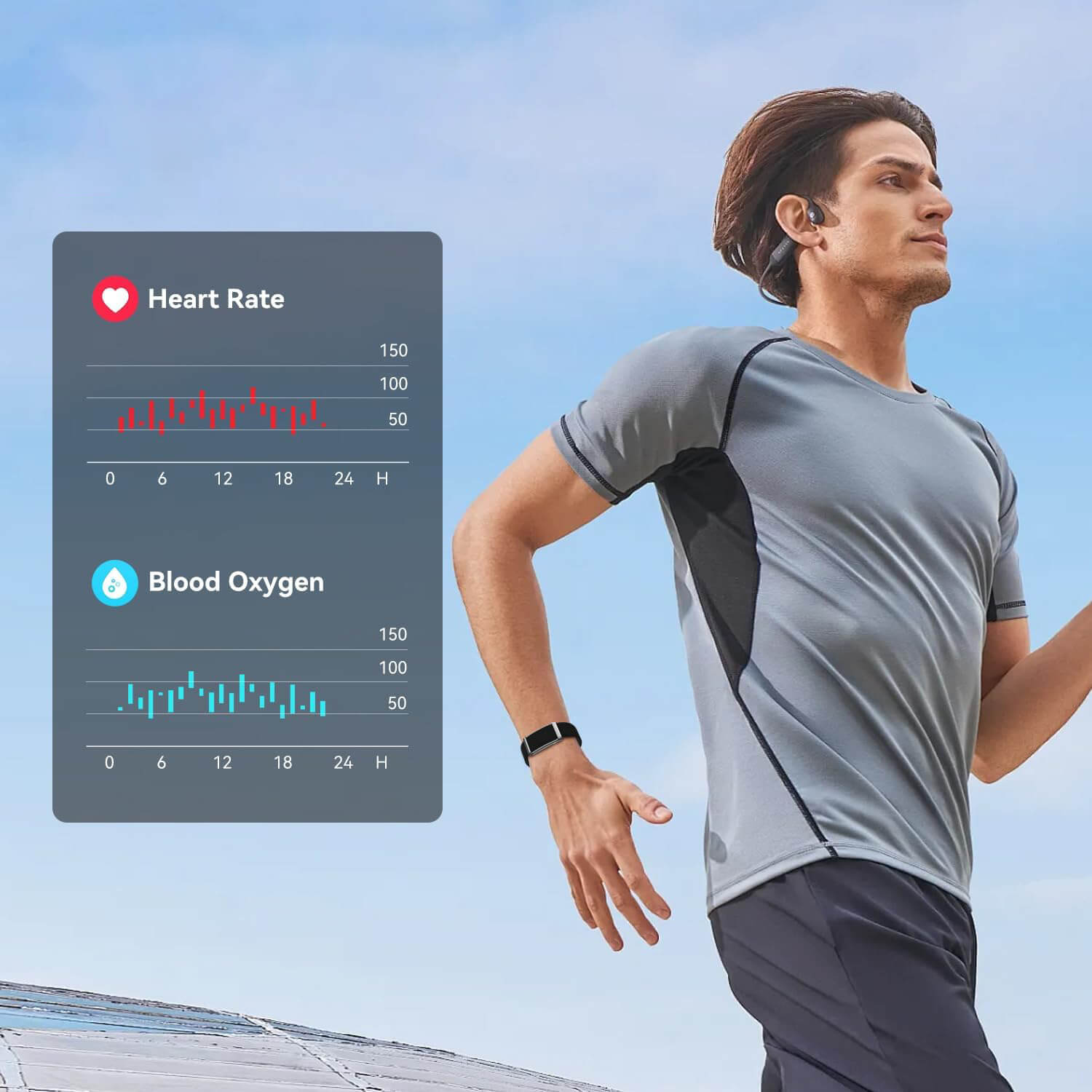
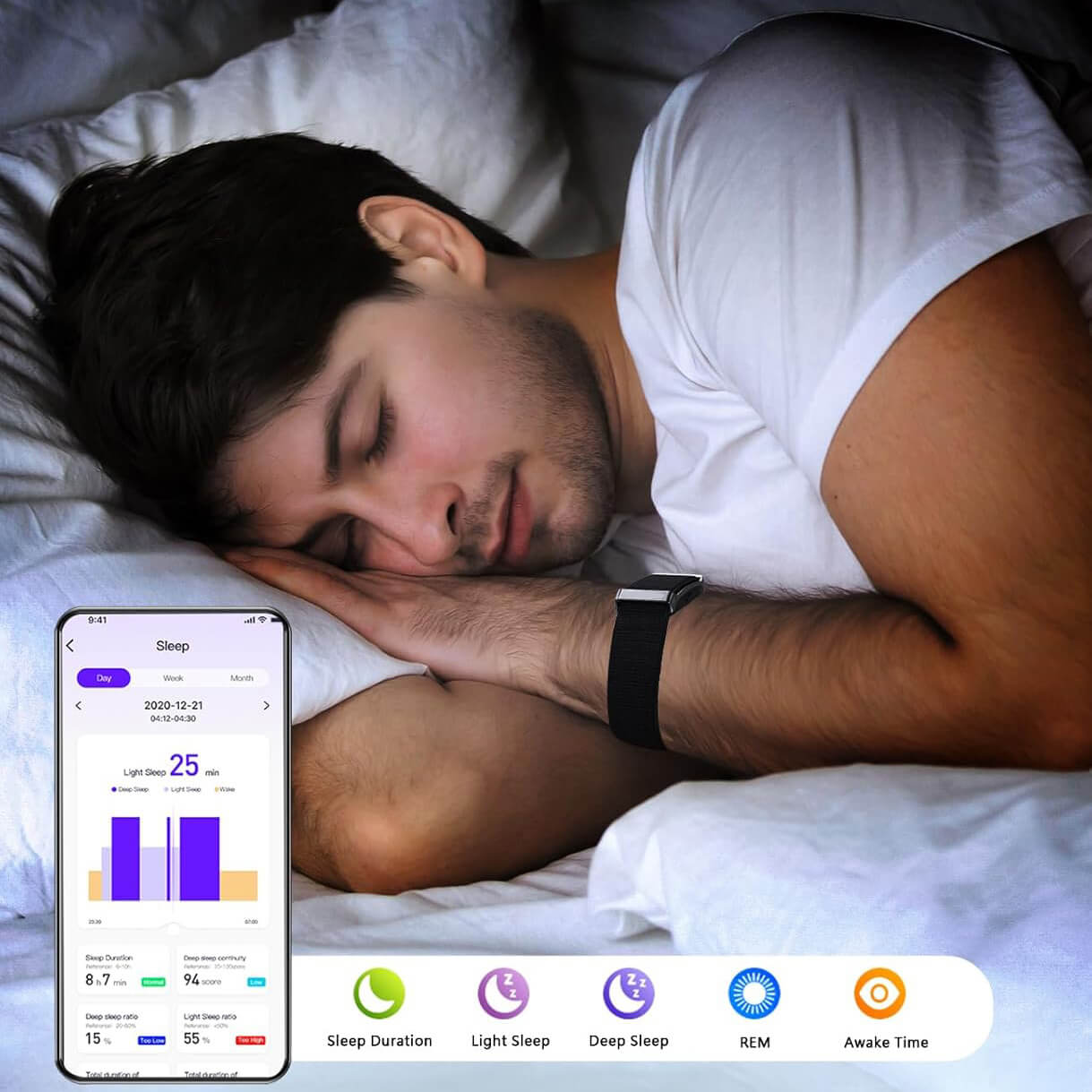
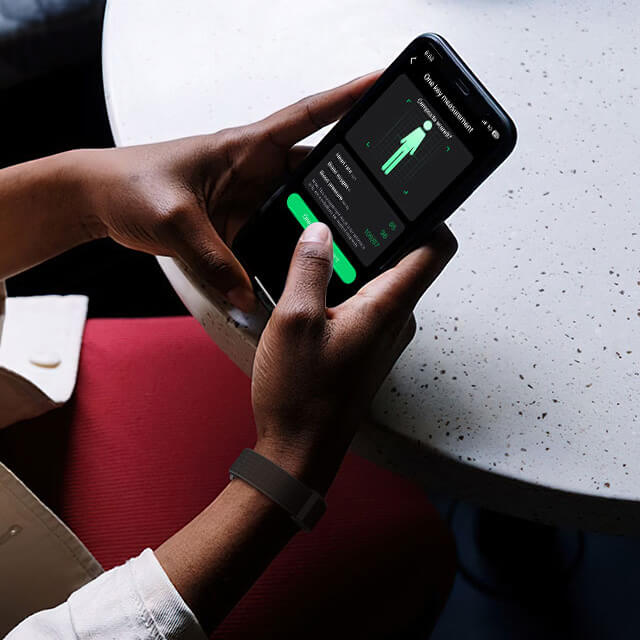
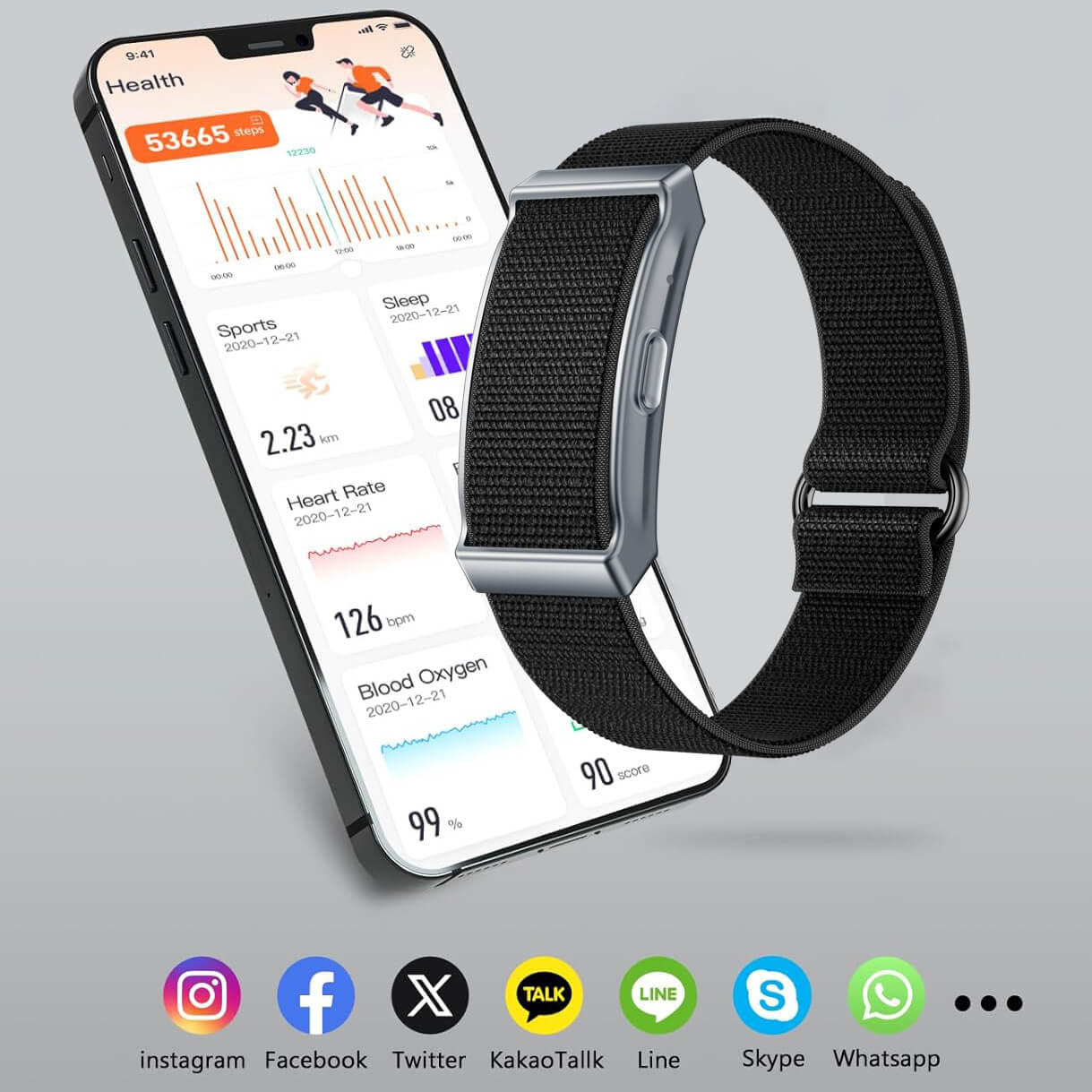
24/7 health tracking: heart rate, SpO₂, stress, HRV, and sleep analysis.
-
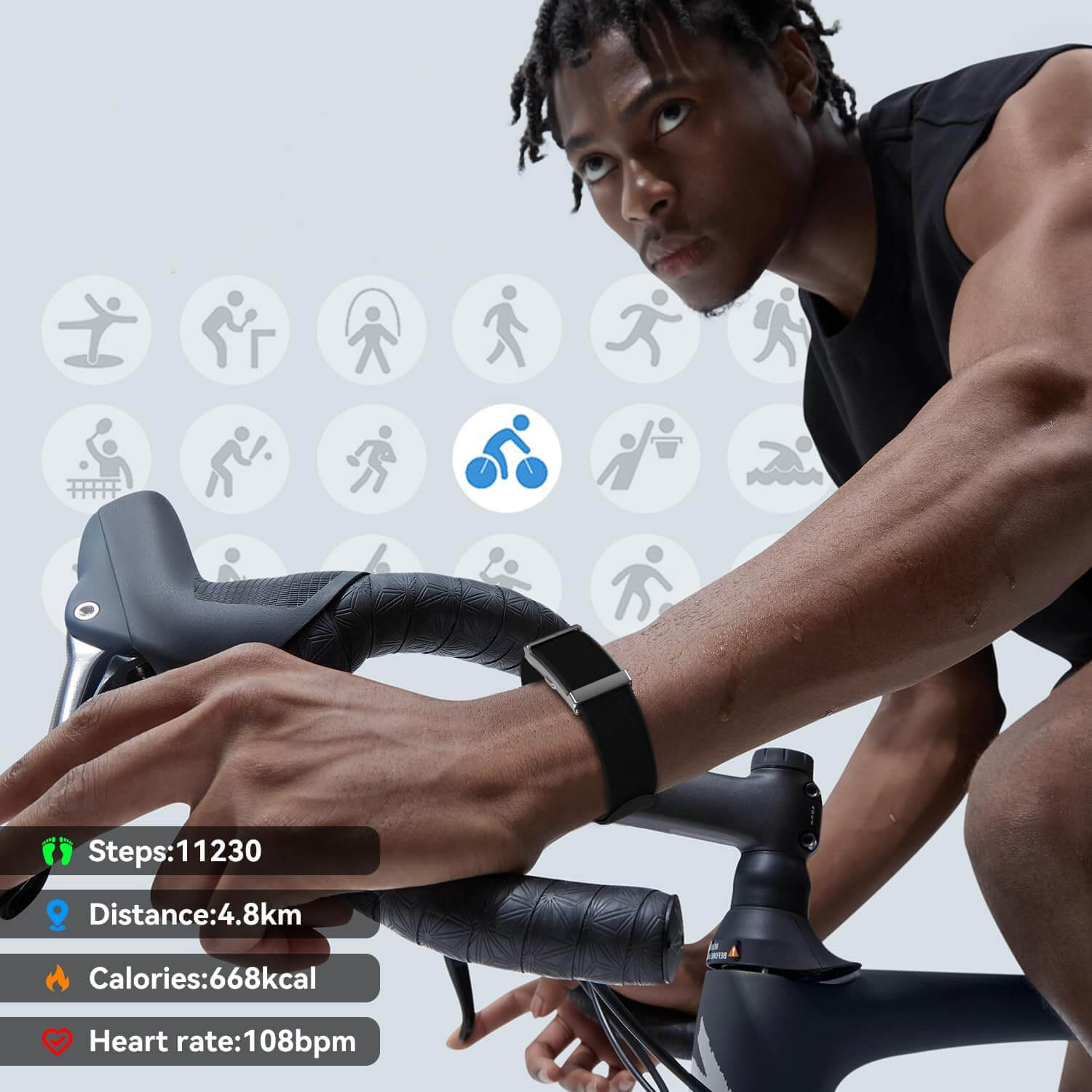
Multiple sport modes for daily workouts and activity tracking.
-
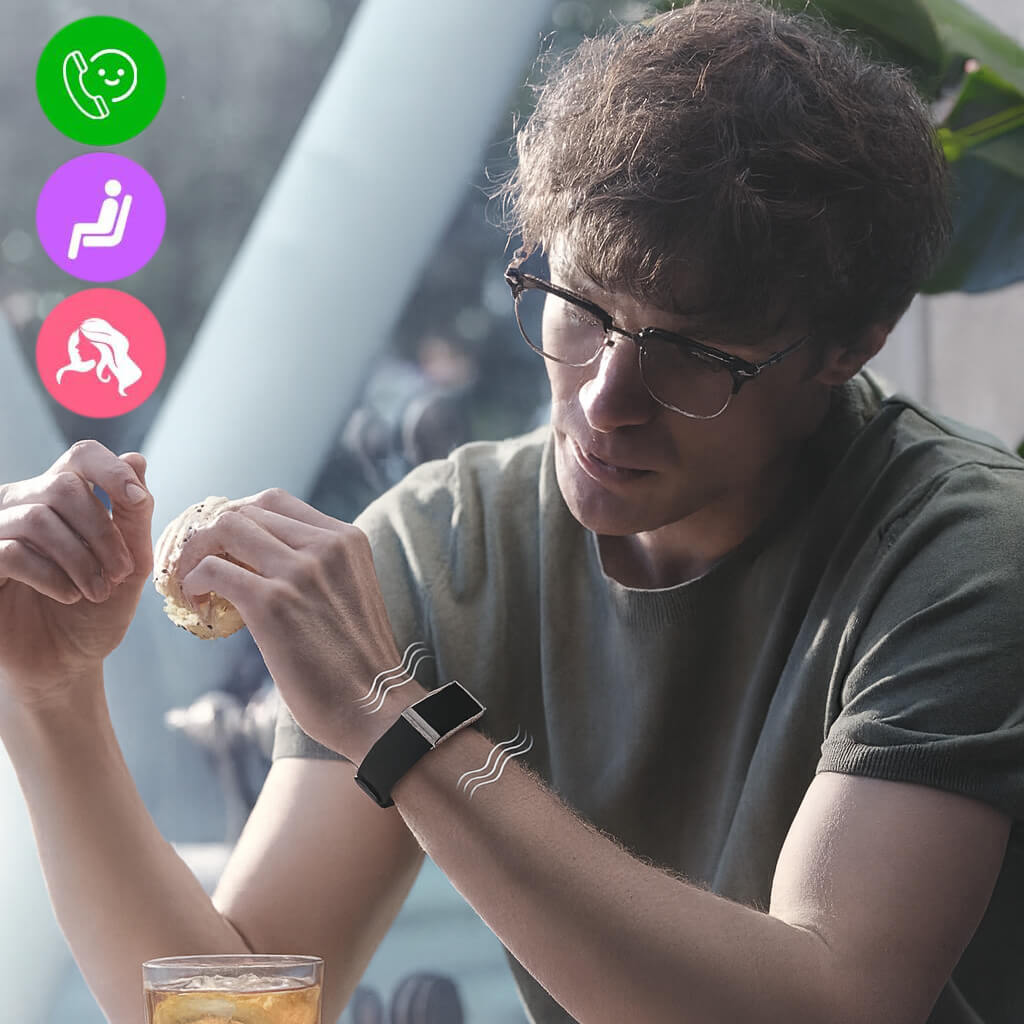
Vibration alerts for calls, messages, inactivity, and alarms.
-
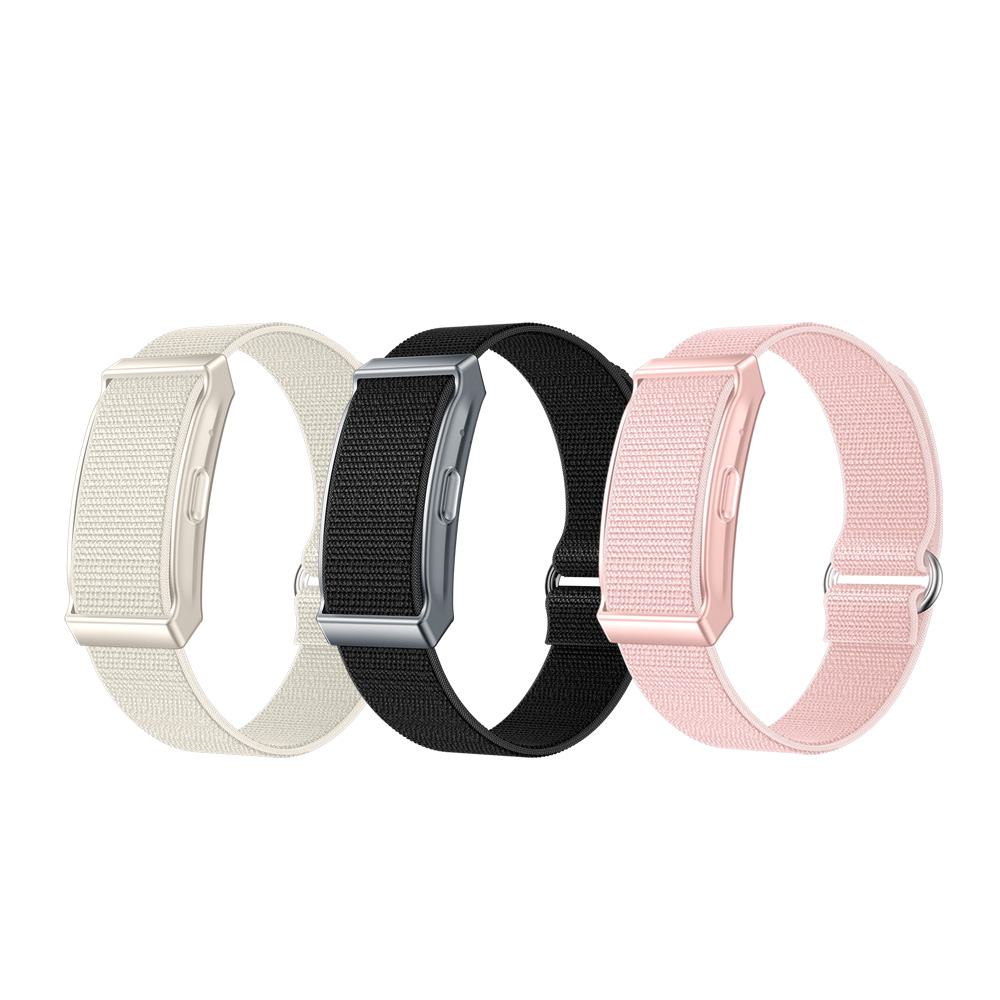
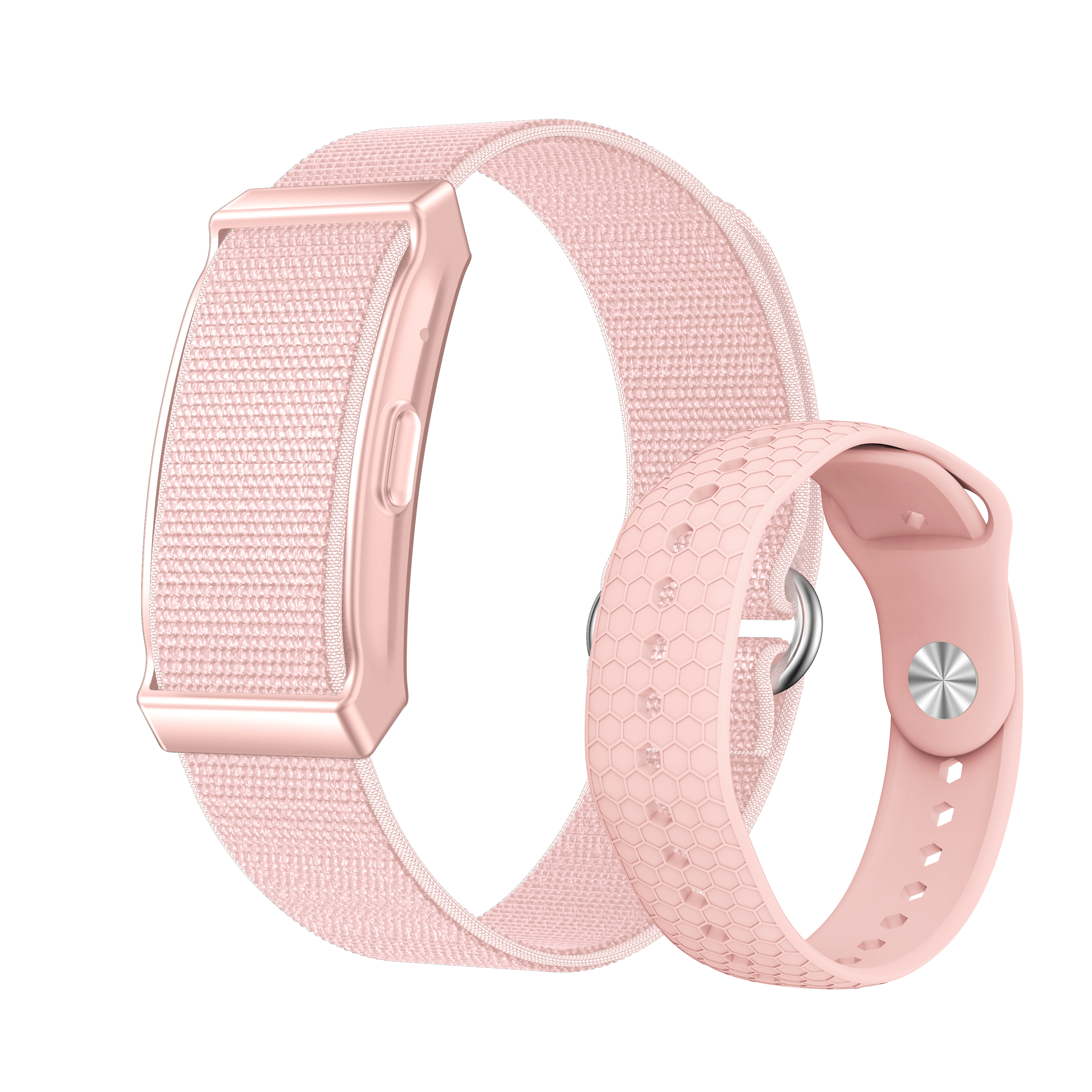
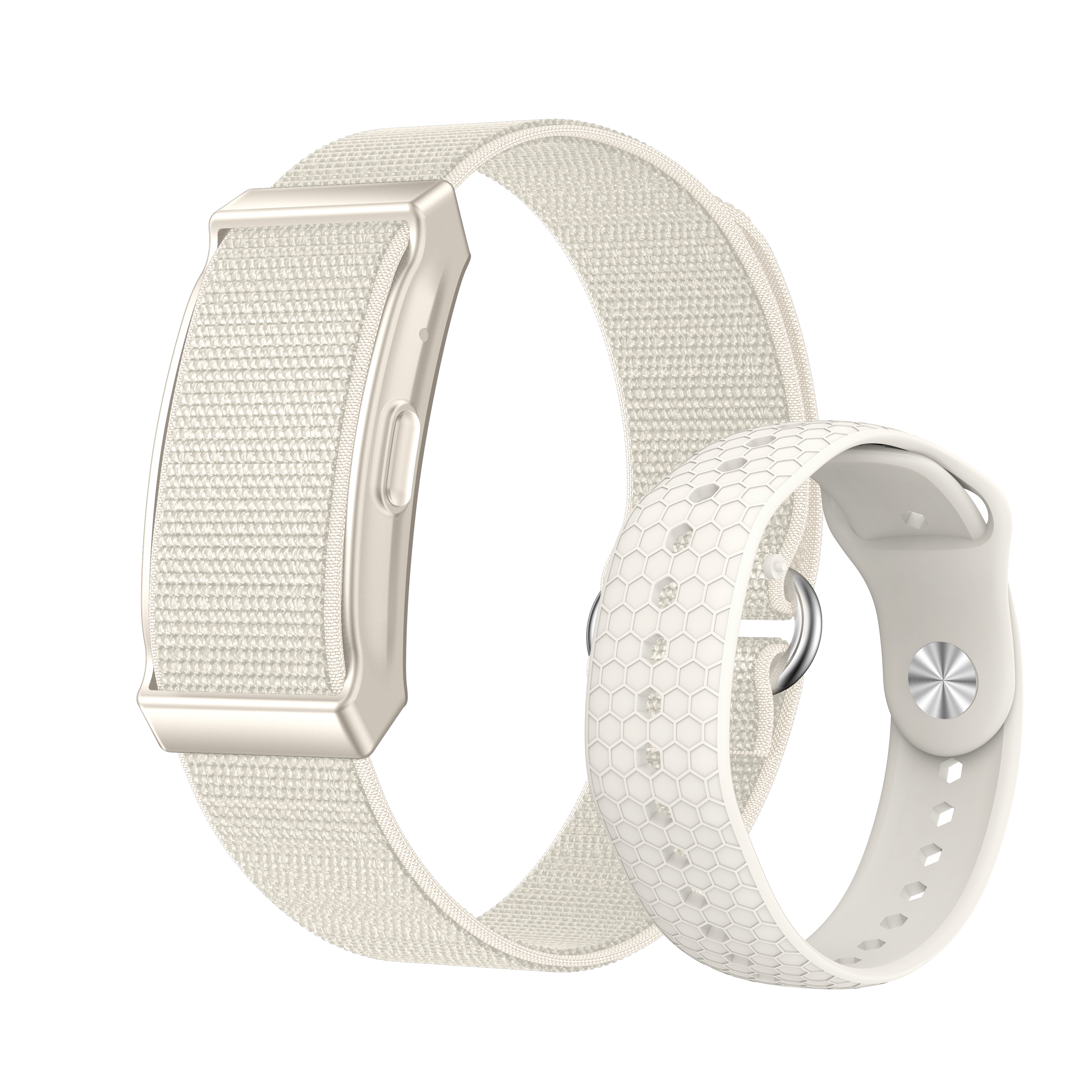
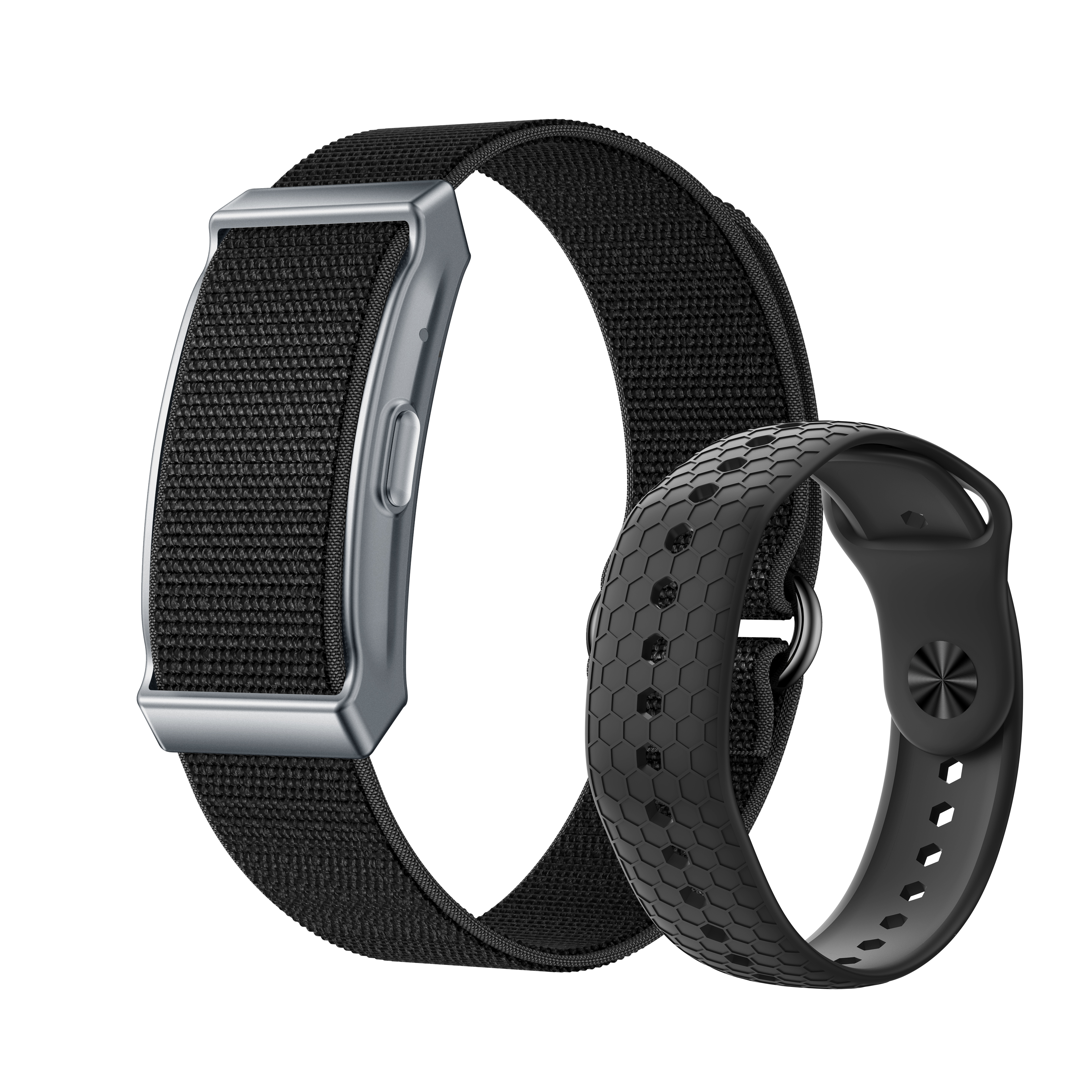
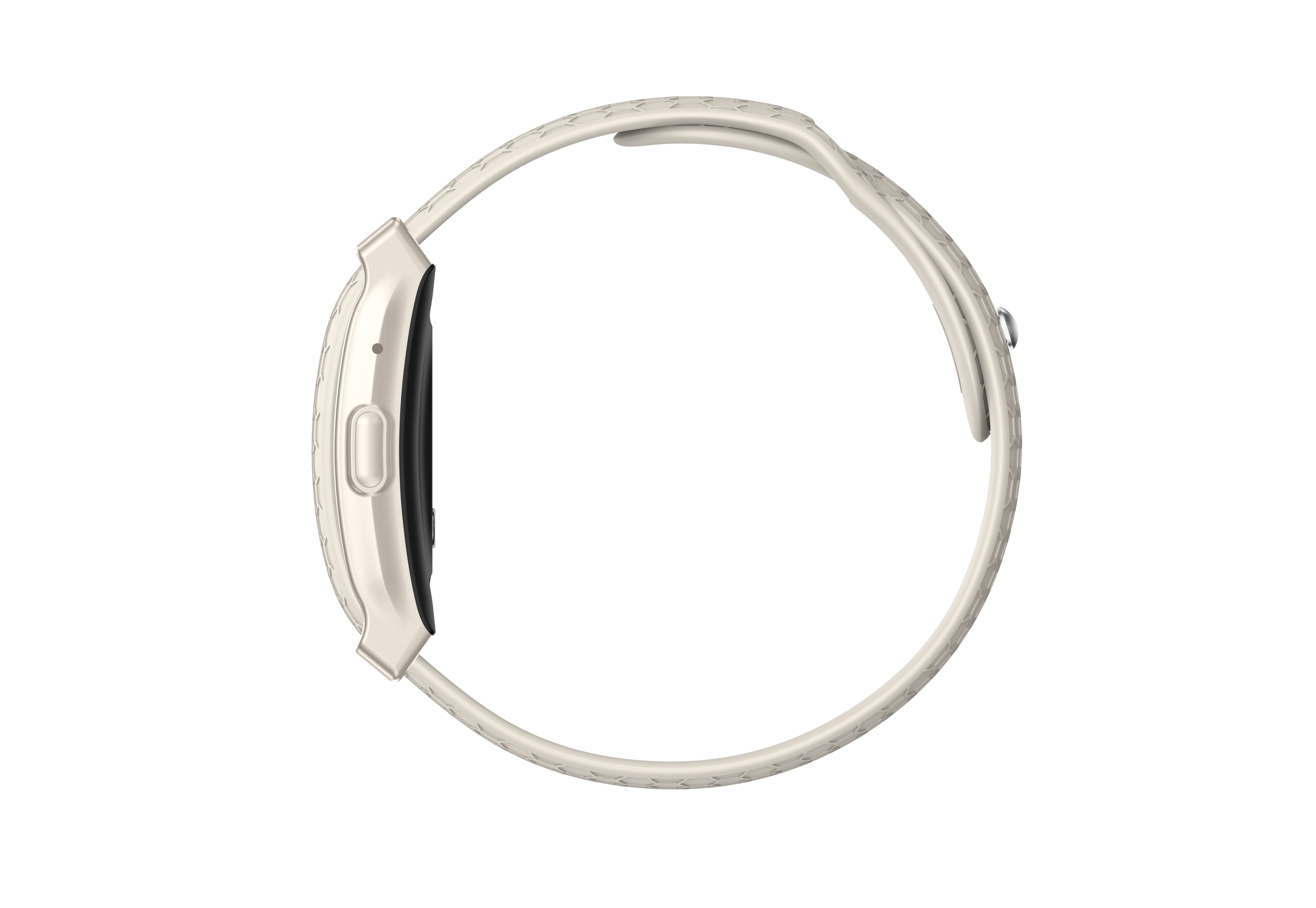
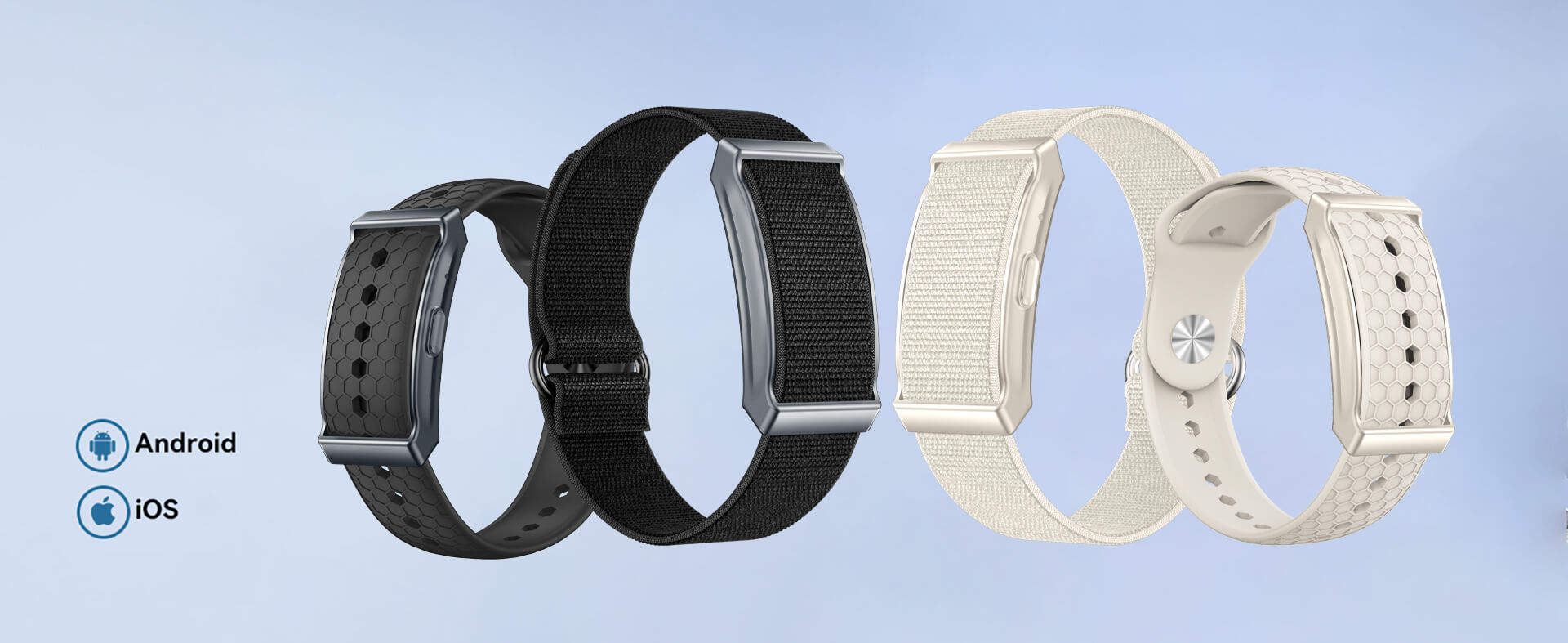
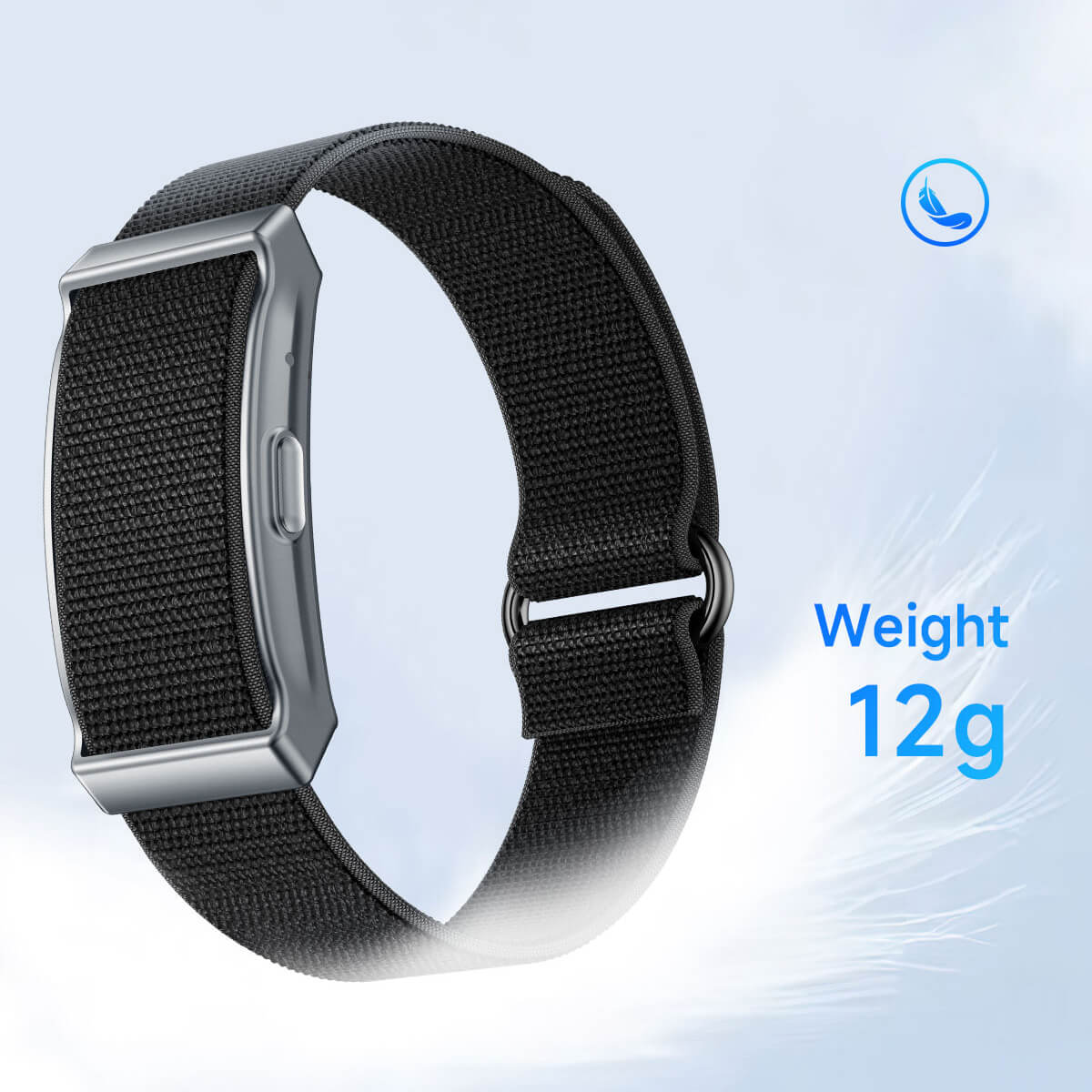
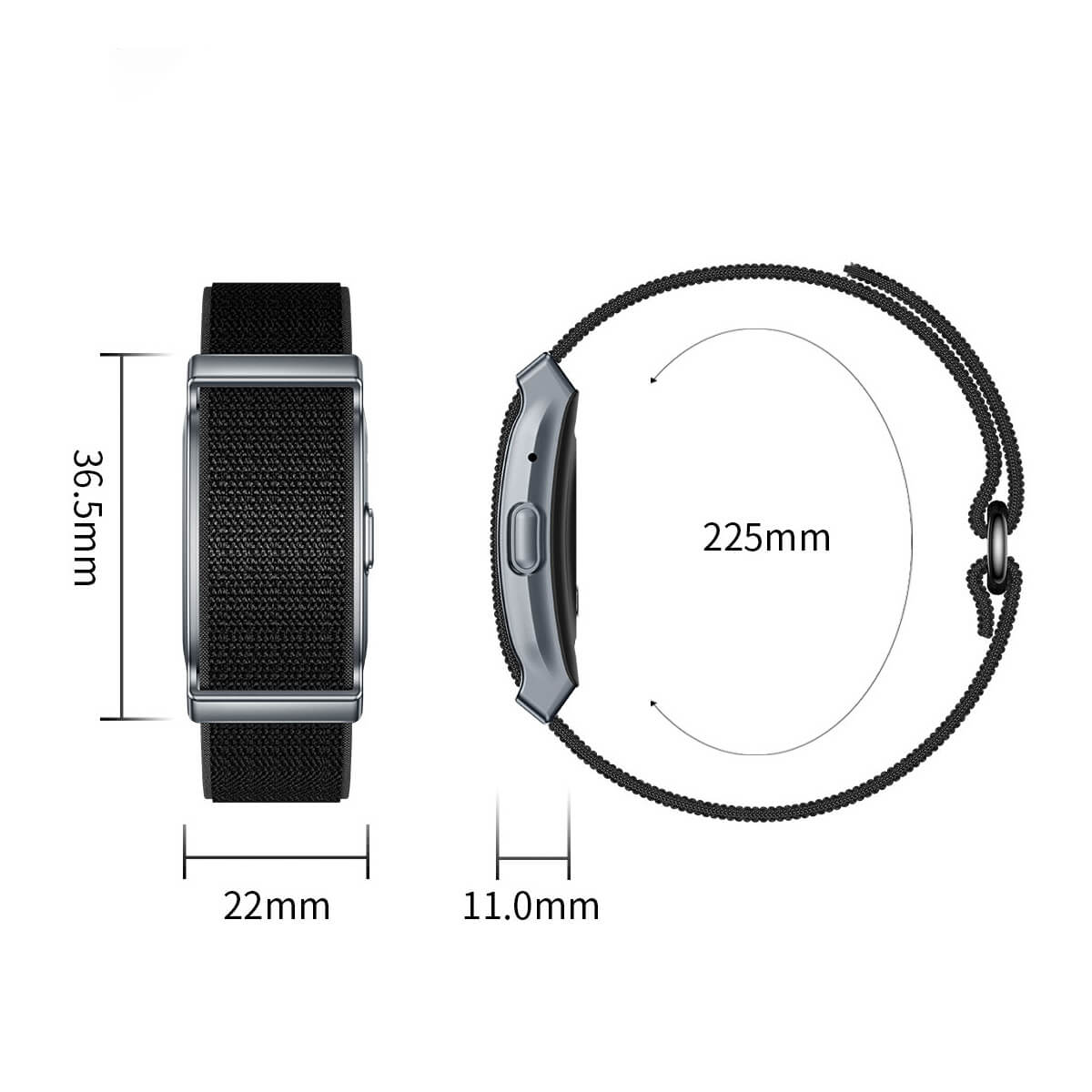
Lightweight and comfortable; includes silicone and nylon straps.
-
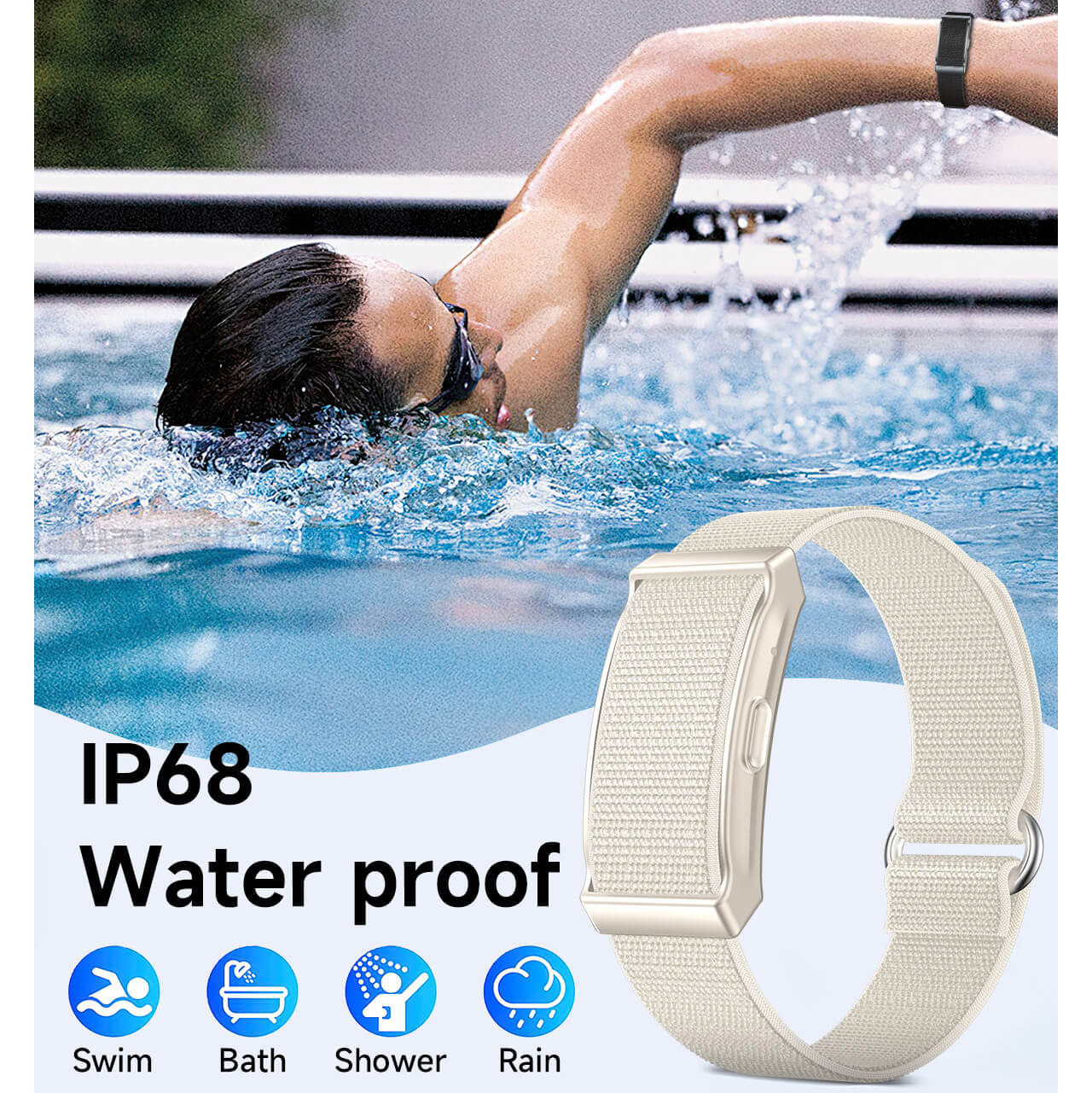
IP68 waterproof for everyday use.
-
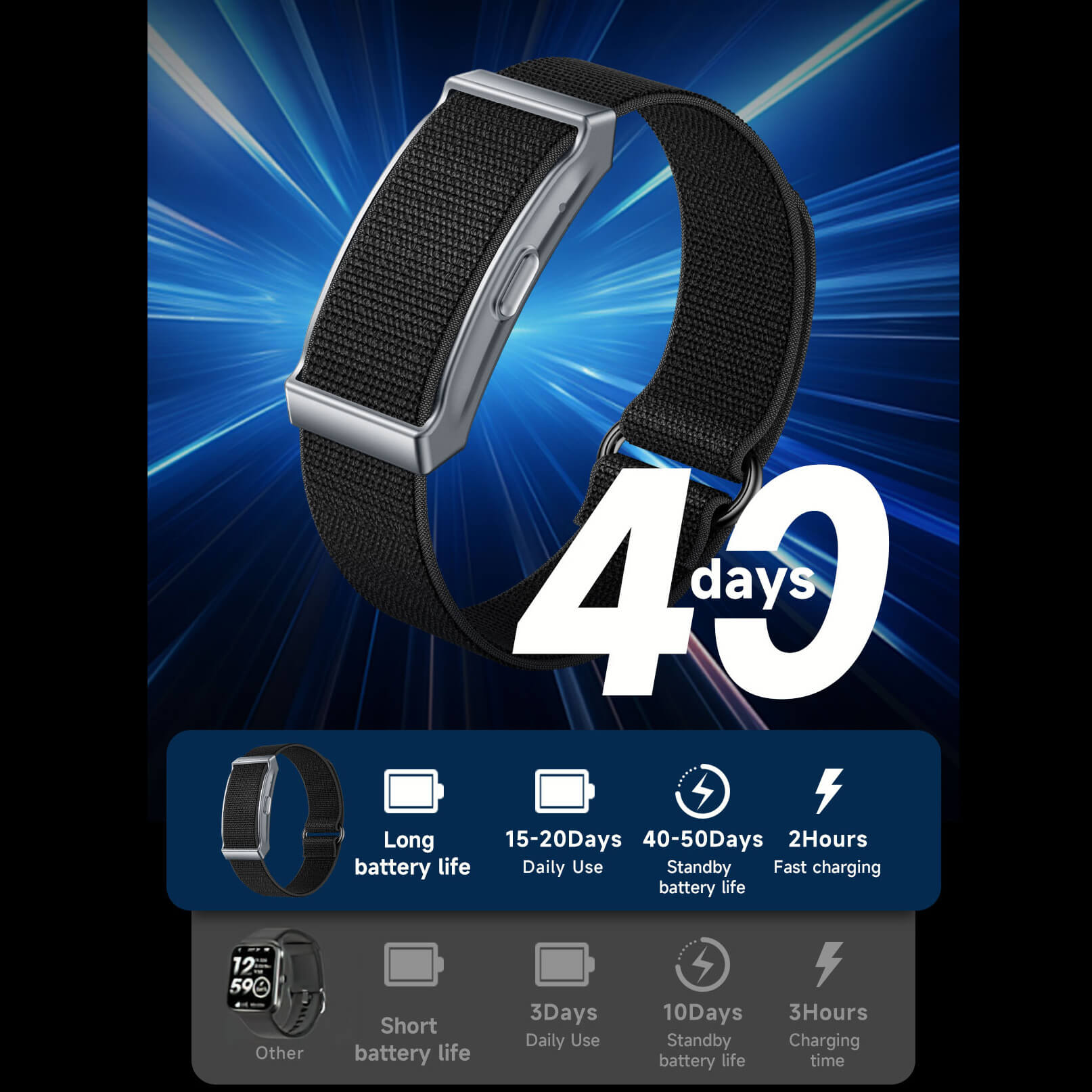
Up to 7 days battery life (21 days standby).
-
USB quick charge, Bluetooth 5.3, Android & iOS compatible.
-
No subscription fees — affordable all-in-one health band.




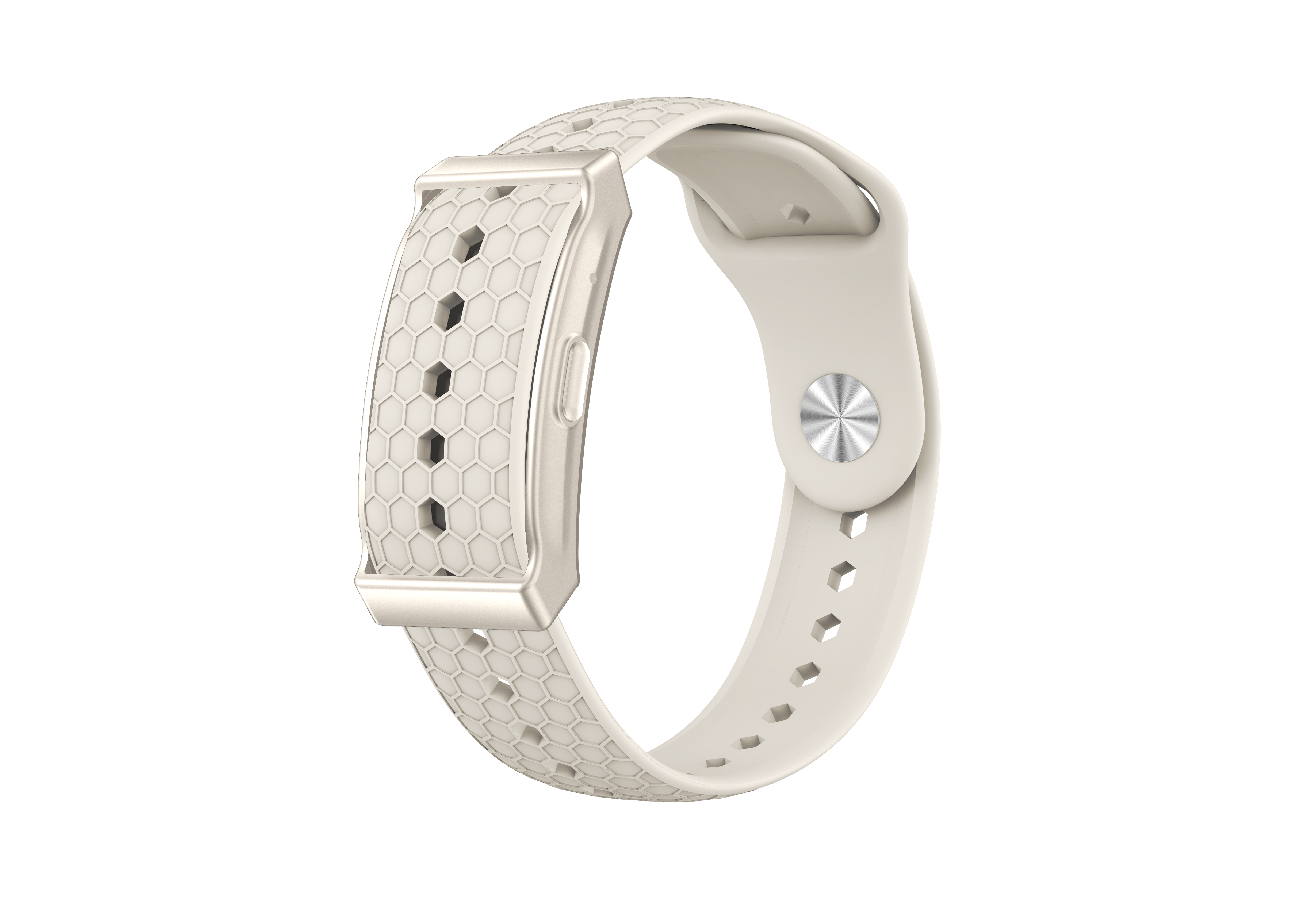
Our Smart Band
|
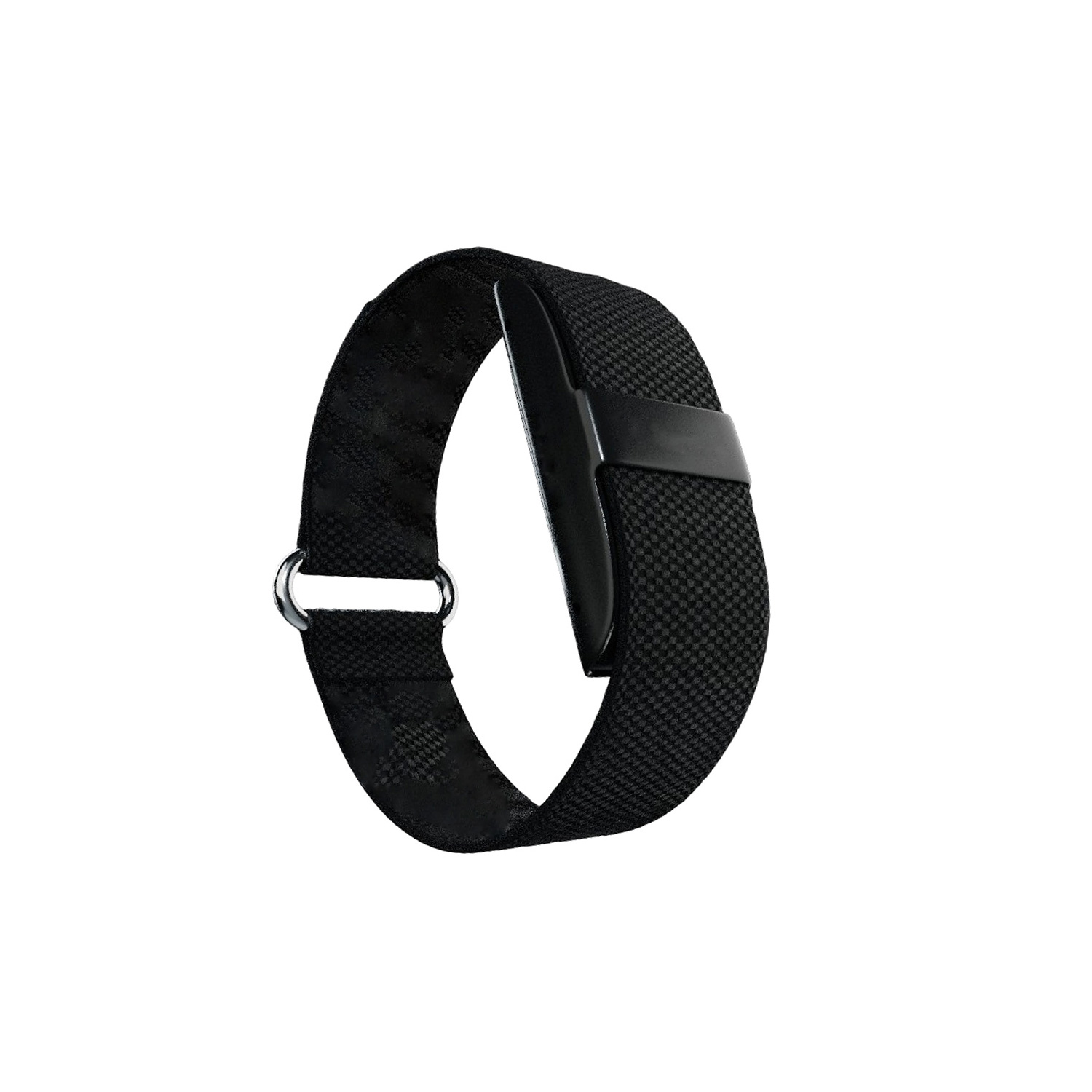
Other Smart Band
|
|
|---|---|---|
| Vibration alerts | ||
| Subscription fee | ||
| Take photos | ||
| Sedentary reminder | ||
| Belt | ||
| Price |
FAQ
What is included in your order?
This kit includes:
1*PPG
1*Nylon belt
1*Silicone belt
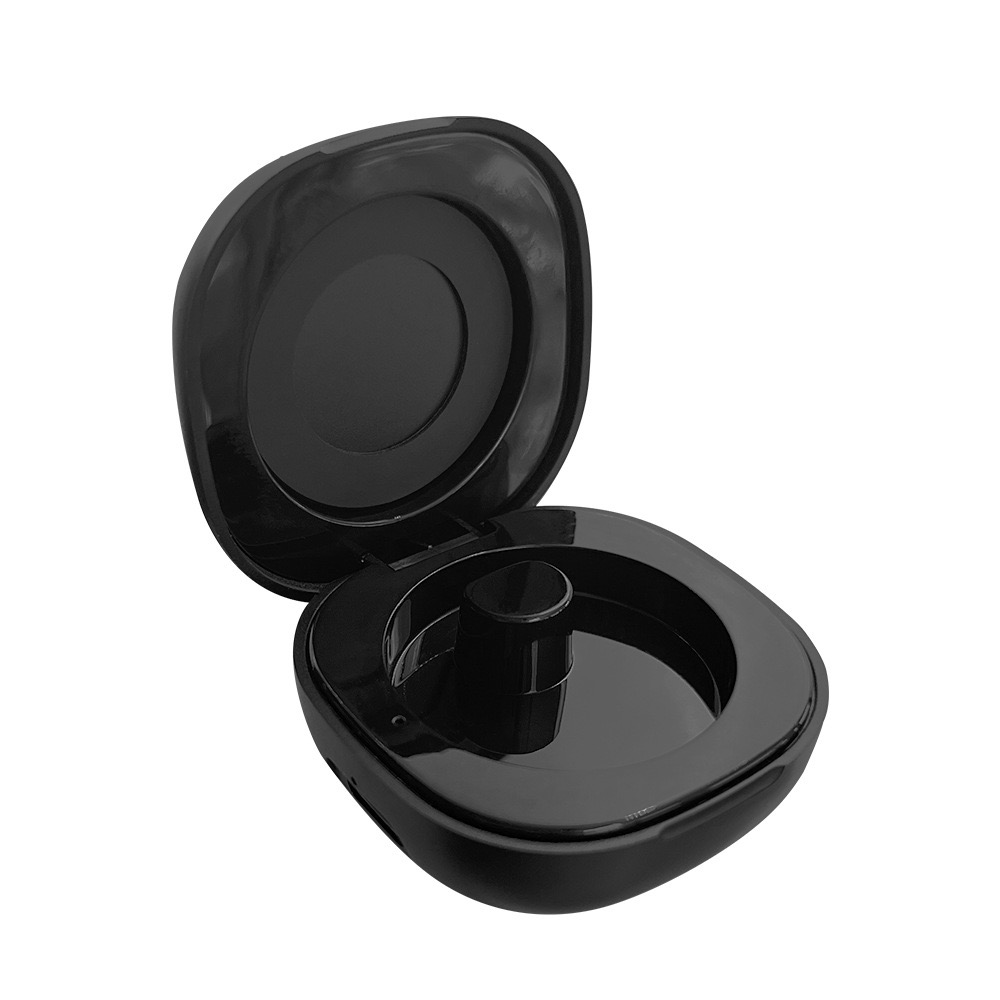
1*USB charger
1*User Manual
1. Bluetooth cannot connect?
(1) Check whether your phone’s system meets the requirements: Android 5.0 or above, iOS 9.0 or above.
(2) Confirm whether the app is the latest version; it is recommended to use the latest version for the best experience.
(3) Check whether the wristband’s Bluetooth is turned on. When on, a Bluetooth icon will appear in the top left corner of the wristband’s main screen.
(4) Ensure your phone’s Bluetooth is turned on and functioning properly. Try turning it off and back on before reconnecting.
(5) If you previously connected the wristband through your phone’s Bluetooth settings, please forget the device, restart both the phone and the wristband, enable Bluetooth again, and connect through the app.
(7) If you changed to a new phone, please forget the wristband’s Bluetooth device in the old phone’s system settings, then connect it again in the new phone’s app.
(2) Confirm whether the app is the latest version; it is recommended to use the latest version for the best experience.
(3) Check whether the wristband’s Bluetooth is turned on. When on, a Bluetooth icon will appear in the top left corner of the wristband’s main screen.
(4) Ensure your phone’s Bluetooth is turned on and functioning properly. Try turning it off and back on before reconnecting.
(5) If you previously connected the wristband through your phone’s Bluetooth settings, please forget the device, restart both the phone and the wristband, enable Bluetooth again, and connect through the app.
(7) If you changed to a new phone, please forget the wristband’s Bluetooth device in the old phone’s system settings, then connect it again in the new phone’s app.
2. Bluetooth connection frequently disconnects?
(1) Check if the distance between the wristband and the phone is too far — beyond 7 meters, Bluetooth signals weaken.
(2) Check if there are obstructions between the wristband and phone; the human body or metallic jewelry can interfere with Bluetooth signals.
(3) Ensure the wristband’s battery is sufficient to power Bluetooth and light up the screen.
(4) Check if the phone’s Bluetooth function is abnormal; try restarting it.
(5) When the app runs in the background, iOS may automatically close it, causing disconnection.
(2) Check if there are obstructions between the wristband and phone; the human body or metallic jewelry can interfere with Bluetooth signals.
(3) Ensure the wristband’s battery is sufficient to power Bluetooth and light up the screen.
(4) Check if the phone’s Bluetooth function is abnormal; try restarting it.
(5) When the app runs in the background, iOS may automatically close it, causing disconnection.
3. Bluetooth data sync takes too long or fails?
(1) Check if Bluetooth is connected properly. If not, refer to the first two questions.
(2) Sync data by pulling down the home page or refreshing it.
(3) The connection may have timed out and disconnected.
(2) Sync data by pulling down the home page or refreshing it.
(3) The connection may have timed out and disconnected.
4. Sleep data cannot sync or is inaccurate?
(1) Check if you wore the wristband while sleeping. If not worn, no sleep data will be generated after syncing.
(2) The wristband records nighttime sleep data, starting within 30 minutes after lying down. Sleep is divided into three stages: deep, light, and awake. Getting up or lying down again may affect recorded sleep data.
(2) The wristband records nighttime sleep data, starting within 30 minutes after lying down. Sleep is divided into three stages: deep, light, and awake. Getting up or lying down again may affect recorded sleep data.
5. Does Bluetooth need to stay on when wearing the wristband?
(1) For step counting, sleep tracking, and alarms, Bluetooth does not need to stay on. You can wear the wristband during exercise and sync data afterward.
(2) For alarms: once set via the app and synced, the alarm works without Bluetooth.
(3) For call alerts and “Find My Band,” Bluetooth must be on and connected.
(2) For alarms: once set via the app and synced, the alarm works without Bluetooth.
(3) For call alerts and “Find My Band,” Bluetooth must be on and connected.
6. Why does the back of the wristband emit green light automatically?
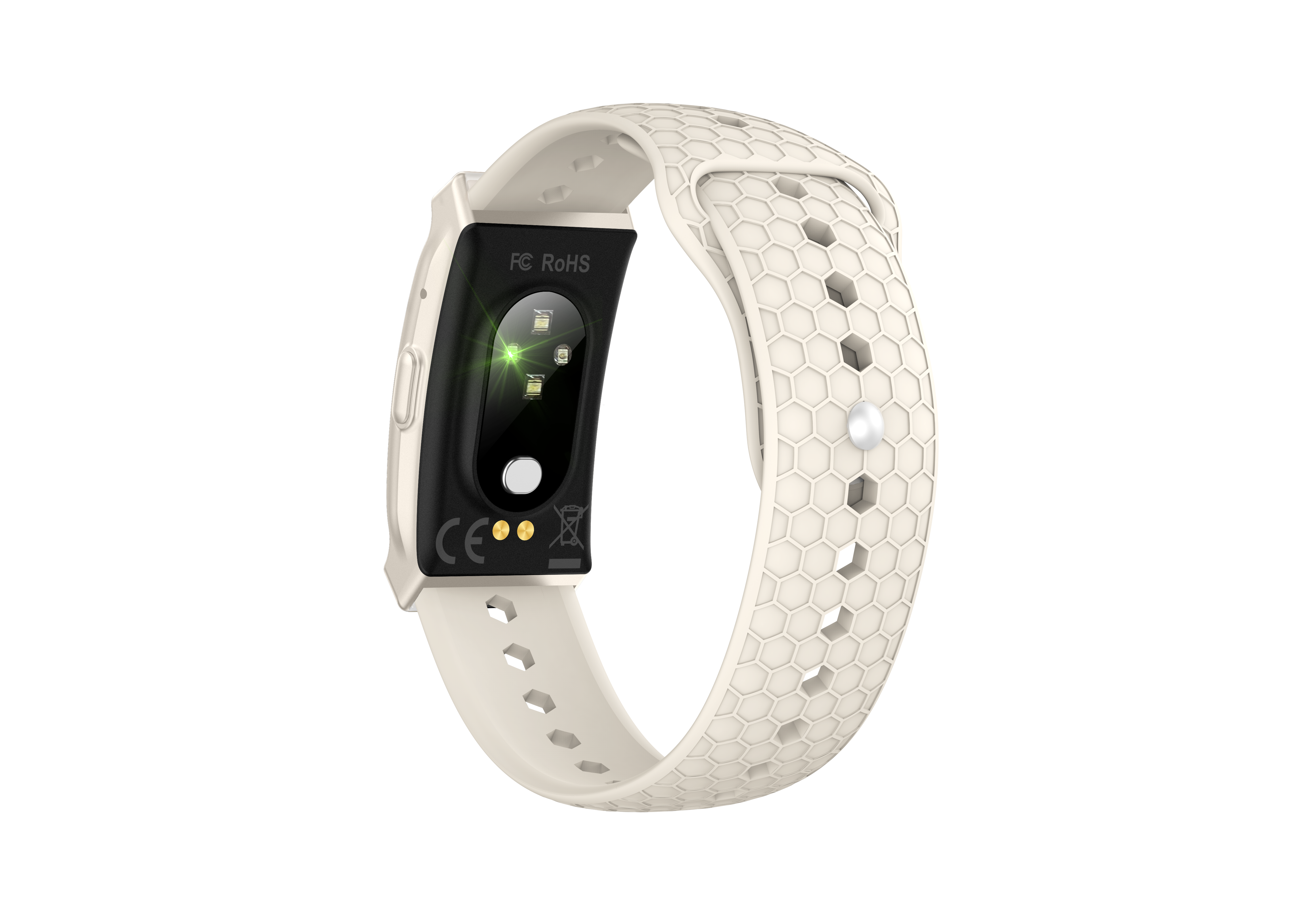
The green light indicates heart rate monitoring. If automatic heart rate monitoring is enabled, the wristband will emit light automatically. If you choose manual heart rate monitoring, it will not emit light automatically. The wristband uses an optical heart rate sensor, a common and safe method.
7. Wristband not receiving WhatsApp, SMS, or call notifications?
(1) In the app’s device management page, enable call reminders, tap “Message Notifications” to access settings, and enable the types of notifications you wish to receive. Sync them to the wristband. On iOS, Bluetooth pairing permissions must be granted.
(2) Ensure Bluetooth stays connected. The wristband only receives current messages and calls; missed notifications before connection will not be reminded.
(3) If WeChat is set to “Do Not Disturb,” no notifications will be received.
(4) For iOS 13 and above, go to Settings > Bluetooth > My Devices, select the wristband, and enable Share System Notifications.
(2) Ensure Bluetooth stays connected. The wristband only receives current messages and calls; missed notifications before connection will not be reminded.
(3) If WeChat is set to “Do Not Disturb,” no notifications will be received.
(4) For iOS 13 and above, go to Settings > Bluetooth > My Devices, select the wristband, and enable Share System Notifications.
8. How to charge the wristband?
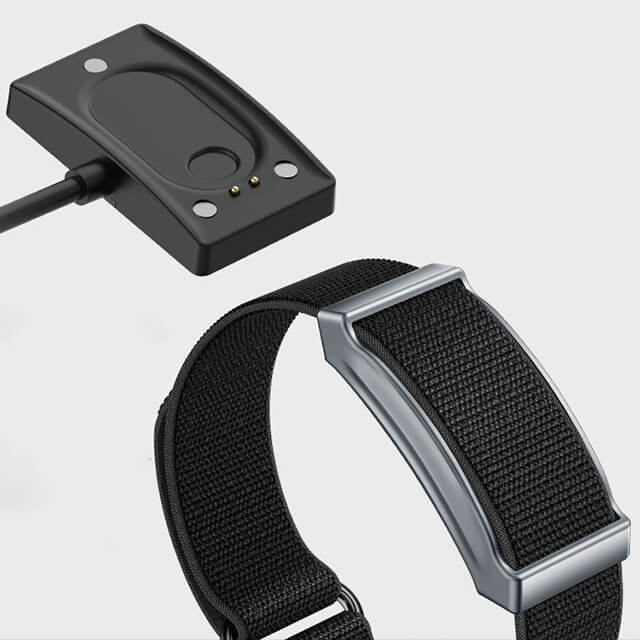
(1) Remove the wristband body from the strap and insert it into a USB port (be careful not to reverse it). During charging, remaining battery will display. The screen will stay off while charging for better power retention.
(2) Normally, it takes about 2 hours to fully charge. The standby time is around 21 days, and about 7 days with normal use. Note: enabling automatic heart rate detection and vibration alerts consumes more power and reduces battery life.
(2) Normally, it takes about 2 hours to fully charge. The standby time is around 21 days, and about 7 days with normal use. Note: enabling automatic heart rate detection and vibration alerts consumes more power and reduces battery life.
9. Which app version to download? System compatibility?
(1) For the best experience, please download the latest version of the app.
(2) The app requires Android 5.0 or above, or iOS 9.0 or above to install and function properly.
(2) The app requires Android 5.0 or above, or iOS 9.0 or above to install and function properly.
10. Using the photo function
You can place your phone at a distance and shake the wristband to take photos.
(1) Ensure Bluetooth connection between the wristband and phone.
(2) The app must have permission to access the system camera.
(1) Ensure Bluetooth connection between the wristband and phone.
(2) The app must have permission to access the system camera.
11. Using call reminders
(1) Keep the wristband and phone paired via Bluetooth.
(2) The wristband supports call rejection but not answering or dialing calls.
(3) Incoming calls without contact names will display the phone number directly.
(2) The wristband supports call rejection but not answering or dialing calls.
(3) Incoming calls without contact names will display the phone number directly.
12. Using message notifications
The wristband supports notifications for WeChat, SMS, QQ, WhatsApp, Twitter, and emails. Set this in the app:
Keep Bluetooth pairing between the wristband and phone.
Keep Bluetooth pairing between the wristband and phone.
13. How to sync data? What to do if sync fails?
(1) Data sync starts automatically when the app is opened. You can also pull down the message list on the main page to sync manually.
(2) If “connection failed” appears, try these steps:
-
Retry syncing by pulling down.
-
Close the app and reopen it.
-
If it still fails, toggle Bluetooth off and on, or restart the phone.
-
(Before restarting, you can also clear Bluetooth sharing info in phone settings.)
Tip for iPhone users: Go to Bluetooth settings, find the “XXX” device, tap “Forget This Device,” then toggle Bluetooth off/on or restart the phone.
14. What factors can affect the accuracy of step counting?
The wristband’s built-in accelerometer and algorithms are extremely sensitive. In general, when setting up the wristband for the first time, it’s important to enter your personal information accurately and honestly — including gender, height, weight, and age.
Even small inaccuracies can affect the accelerometer’s data capture and further impact the algorithm’s calculation, leading to incorrect step counts, inaccurate distance, and calorie consumption data. This results in unreliable activity data.
Additionally, your arm swing posture, stride length, body shape, terrain flatness, and walking uphill or downhill can all influence step counting accuracy.
15. Can the wristband record and store data when the phone is not nearby?
(1) Yes, the wristband can store data independently. You don’t need to carry your phone when running or sleeping. When you reconnect via Bluetooth, data will sync automatically.
(2) The wristband can store up to 10 workout sessions, 15 days of step/sleep data, and 3 days of heart rate data.
(2) The wristband can store up to 10 workout sessions, 15 days of step/sleep data, and 3 days of heart rate data.
16. Why does step counting not start immediately when I walk?
To reduce error, a threshold of 10 steps is set. Step counting officially begins after 10 steps, and the app’s step count will then update. Data is stored after 10 or 30 steps.
17. After setting call alerts, how long until vibration starts?
By default, the wristband vibrates 3 seconds after the call starts.
18. Can the number of call alert vibrations be changed? How many times does it vibrate?
(1) The number of vibrations cannot be changed.
(2) The wristband vibrates for the duration of the phone’s ring until the call is ended.
(2) The wristband vibrates for the duration of the phone’s ring until the call is ended.
19. Why didn’t the wristband vibrate when I received a call?
First, check if Bluetooth is turned on and connected.
Next, for non-iOS systems, ensure the wristband app is running (background operation is sufficient).
Next, for non-iOS systems, ensure the wristband app is running (background operation is sufficient).
20. What factors can affect heart rate measurement results?
Improper wearing of the wristband can affect the accuracy of heart rate signals. For example, incomplete contact that causes light leakage, arm movement, or slight movement of the wristband on the skin may lead to inaccurate readings. Wearing the band too tightly, raising the arm, or clenching the fist can also affect blood circulation and therefore the heart rate signal.
The correct way to measure is to keep your arm relaxed, flat, and still while ensuring that the wristband fits snugly against your skin.
Note: Even with proper wearing, individual differences such as skin tone, hair, tattoos, or scars may also affect heart rate signal accuracy.